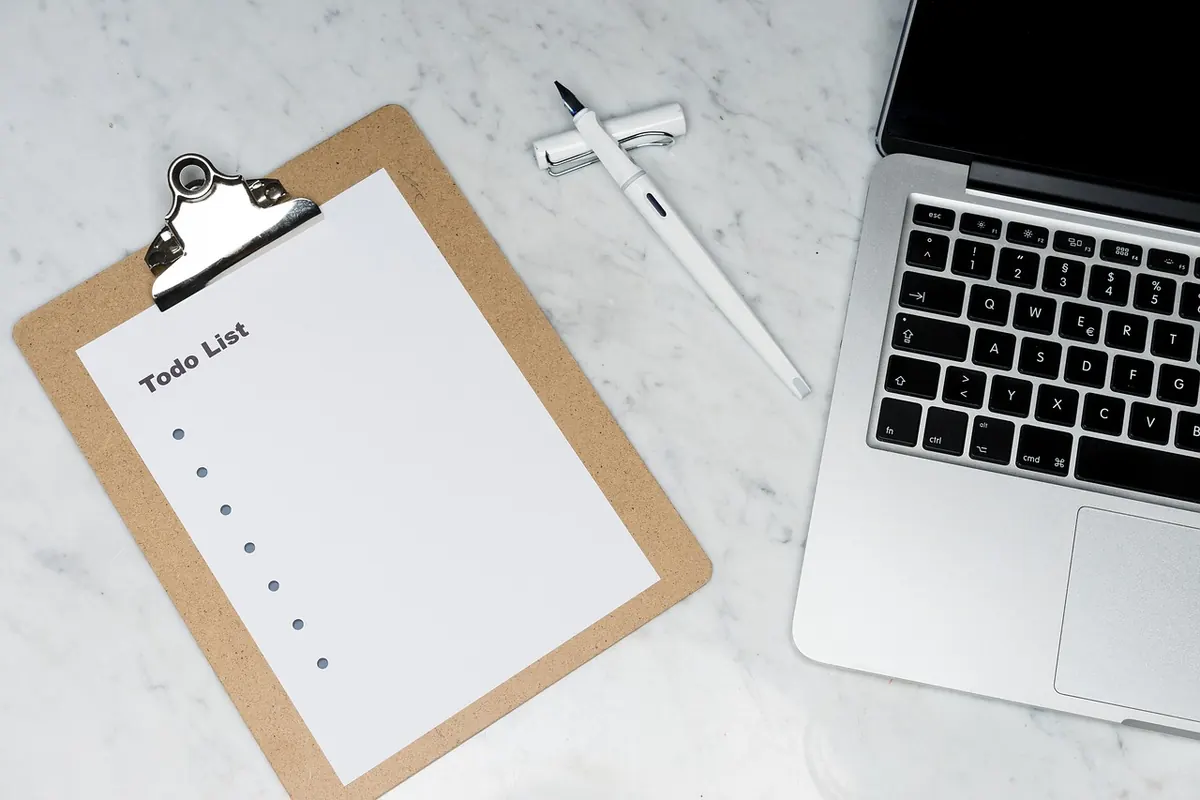
Why Your To-Do List Fails: 7 Common Planning Mistakes
A to-do list usually fails because of how it is written, not because of laziness. Here are seven common...

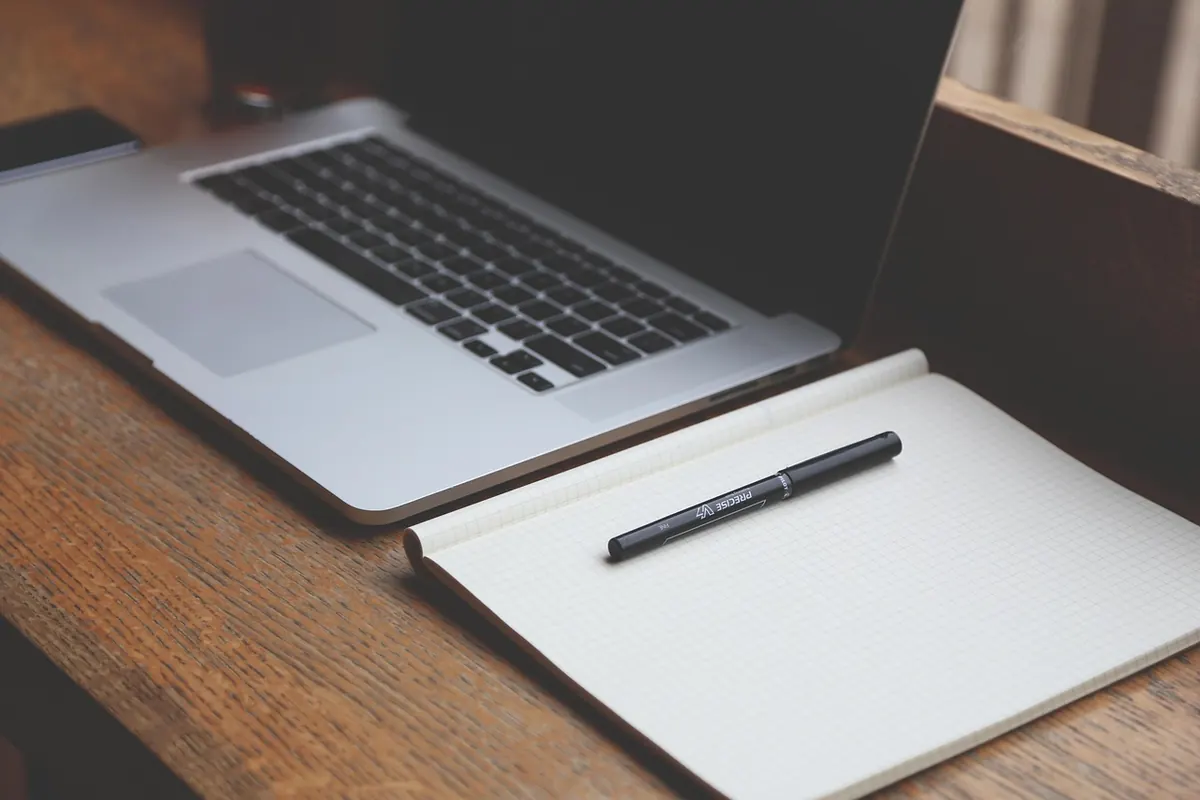
Most home offices come together by accident. A laptop lands on the kitchen table, a dining chair gets dragged over, and six months later you are still working with your shoulders around your ears and a pile of post at your elbow. Setting it up properly does not need a spare room or a spending spree. It needs one afternoon, a tape measure, a bin bag and the willingness to move the desk twice.
The order matters more than the budget: light first, then your body, then sound, then stuff.
Empty the desk completely. Not tidy — empty. Everything goes on the floor, you wipe the surface, and nothing comes back until you have decided where it lives.
Then commit to a single place. If your setup lives on the kitchen table, you are dismantling and rebuilding it twice a day, and that routine is a distraction in itself. A corner of a bedroom or the end of a landing beats a beautiful desk you have to clear every evening. Give the workspace an edge as well — a door you can close, a rug, a shelving unit.
Decide the basics while the surface is empty: which way you face, what is behind you on video calls, and where the power is.
Light is what people leave until last and complain about most. Sort it first, because it dictates where the desk goes.
Sit side-on to a window where you can. Facing a bright window puts your screen in shadow; sitting with the window behind you throws glare across the display and has you leaning in to read. Side-on gives you the daylight without the reflections. If the only workable spot faces the window, drop the blind to just above eye level.
A single ceiling light is the worst arrangement: it casts your own shadow over the keyboard and puts a hot spot on the screen. Two or three softer sources work better.
If you spend the day on video calls, check the light on your face. A window in front of you is flattering; a window behind turns you into a silhouette.
Most people adjust the desk and then try to fit themselves to it. Work the other way round.
If you are leaning forward by mid-afternoon, the cause is usually chair height or screen distance — not a lack of willpower.
Movement matters as much as posture; no single position is good for three hours. Stand for phone calls, walk at lunch, shift in your seat each hour. If you already have a back, neck or wrist problem, speak to a physiotherapist or your GP rather than working from a checklist.
Home noise is either sudden — the doorbell, a delivery, next door's dog — or constant, like traffic or a fridge. They need different answers.
Sudden noise is easier to block. Headphones with a decent seal do most of the work, and geography helps: move the desk away from the wall you share with the busiest room. If you spend the day on calls, a headset with a boom microphone picks up far less of the room than earbuds.
Constant noise is usually better masked than blocked. A fan, rain sounds or a steady playlist at low volume give your attention something predictable to ignore. Soft furnishings help too: a rug and a curtain absorb echo, and a hard-floored room with bare walls is tiring to talk in all day.
Then there is the human part. A closed door, an agreed quiet hour and headphones everyone understands the meaning of will beat any gadget. Say it out loud to the people you live with.
Clutter is not only visual. Every object on the surface is a small decision waiting to interrupt you. Daily use stays within arm's reach, weekly use goes in a drawer, everything else leaves the desk.
Keep a bin bag to hand and be ruthless with old cables and paperwork. If you have not used it in a year, it goes.
If you would rather simply follow instructions, here is the whole thing in order.
The setup is the easy part. Two habits keep it working.
Clear the surface at the end of each day: five minutes of paper into the tray, cup out, keyboard pushed back. Arriving at an empty desk in the morning is worth more than any productivity app.
Then revisit it every few months. Bodies change, screens change, and the light in January is nothing like the light in June. A lamp that was right in winter may need moving by spring.
Set it up once, properly, and then stop noticing it. The best home office is the one that stays out of the way.
Photo: StartupStockPhotos / Pixabay
A to-do list usually fails because of how it is written, not because of laziness. Here are seven common...
A practical one-day method for clearing downloads, desktop clutter, browser tabs and cloud folders — plus...
Five practical checks for chair, screen, keyboard, lighting and breaks that make a UK kitchen table...